Tag: buying online

  • Buying a Used Laptop Online: A Smart Buyer’s Checklist

    Buying a Used Laptop Online: A Smart Buyer’s Checklist

    A used laptop can be an incredible deal — a machine that cost a fortune new can be yours for a fraction of the price, with plenty of life left in it. But laptops are trickier to judge than they look; a cheap one with a dying battery or a slow drive can be a false economy. This smart buyer’s checklist shows you exactly what to look for so you buy a used laptop online that’s fast, reliable, and genuinely good value.

    Match the specs to your needs

    Before shopping, know what you actually need. For everyday use — browsing, email, documents, video — a modest, affordable laptop is plenty. For heavier work like editing, gaming, or lots of multitasking, prioritize a faster processor, more memory (RAM), and a solid-state drive (SSD). Buying more power than you need wastes money; buying too little leads to frustration. Deciding your needs first turns a confusing spec sheet into a simple shopping list and helps you spot the right listing quickly.

    A used laptop for sale
    An SSD and healthy battery make the biggest real-world difference.

    The specs that matter most

    A few components make the biggest difference to real-world speed. An SSD (solid-state drive) rather than an old hard drive is the single biggest factor in how fast a laptop feels — insist on one. Enough RAM keeps things smooth with multiple tabs and apps. A reasonably recent processor ensures it isn’t sluggish or unsupported. And check the battery health, since a worn battery means you’re tethered to a charger. Get these right and even an older laptop will feel quick and pleasant to use.

    Inspect condition and test everything

    With used laptops, check the physical and functional condition carefully. Review photos from all angles for cracks, dents, and screen defects (ask about dead pixels or marks). If you can, test it: power it on, check the screen, keyboard, trackpad, ports, webcam, speakers, and Wi-Fi, and see how long the battery lasts. Confirm it boots properly and isn’t locked with someone’s account or password. A seller who lets you inspect and test before paying is trustworthy; reluctance is a warning sign.

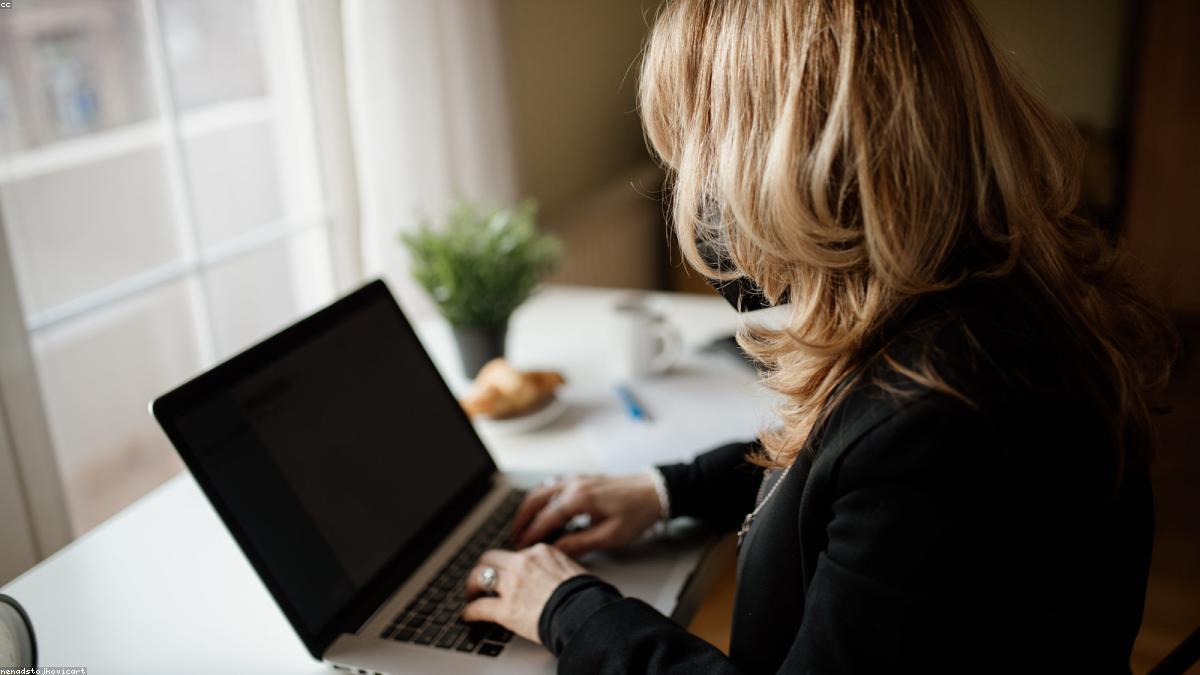
    Testing a used laptop
    Test the screen, keyboard, ports, and battery before you pay.

    Buy safely and set it up fresh

    Protect your purchase like any online buy. Prefer sellers with good reviews or reputable refurbished sellers offering a short warranty, and use secure payment or safe cash-on-inspection — avoid wiring money for a laptop you haven’t verified. Once bought, make sure it’s been reset (or reset it yourself), update the operating system, and you’re ready. Buying a used laptop this way gets you a capable machine for far less than new — smart for your wallet and kinder to the planet. This is general guidance, not purchasing advice.

    Frequently asked questions

    What specs matter most in a used laptop?

    An SSD (for speed), enough RAM for smooth multitasking, a reasonably recent processor, and healthy battery life. The SSD makes the biggest difference to how fast it feels.

    How do I know a used laptop is good quality?

    Check photos from all angles, test the screen, keyboard, trackpad, ports, webcam, and Wi-Fi, confirm the battery lasts, and make sure it boots and isn’t account-locked. Test before paying if you can.

    Is it safe to buy a used laptop online?

    Yes, with care — buy from reviewed or reputable refurbished sellers, inspect and test the machine, use secure payment or safe cash meetups, and avoid unbelievable prices.

    Should I buy refurbished or from a private seller?

    Refurbished sellers test devices and often include a short warranty (lower risk); private sellers can be cheaper but require more of your own checking. Either works if you verify condition and pay safely.

    The takeaway

    A used laptop is one of the smartest tech buys around — if you shop with a checklist. Match the specs to your needs, insist on an SSD and healthy battery, inspect and test the machine, and buy from a trustworthy seller with safe payment. Do that and you’ll get a fast, reliable laptop for a fraction of the new price. Check local listings to find great value near you. General guidance, not purchasing advice.
  • How to Buy a Used Mobile Phone Online Without Getting Scammed

    How to Buy a Used Mobile Phone Online Without Getting Scammed

    A used phone can save you hundreds compared to buying new — a flagship from a year or two ago often costs a fraction of its launch price and works beautifully. But phones are also a favorite target for scammers and dodgy sellers, so buying a used mobile online takes a little care. This guide walks you through how to buy a used phone online safely and smartly, so you get a great device at a great price without the headaches.

    Check the essentials before anything else

    A few checks separate a bargain from a brick. Confirm the phone is not locked to a carrier you can’t use and, crucially, isn’t blacklisted (reported lost or stolen) — a blacklisted phone can’t be activated, so ask the seller for the IMEI number and check it. Verify it’s not locked to someone else’s account (activation lock), which would make it unusable. These checks are the difference between a working phone and an expensive paperweight, so never skip them.

    Inspecting a used phone
    Check it is not carrier-locked, account-locked, or blacklisted.

    Inspect the condition and battery

    Ask for — or check in person — the phone’s real condition. Look at photos from all angles for cracks, scratches, and screen issues. Test that the screen, cameras, buttons, ports, and speakers all work. Pay special attention to battery health, since a worn battery is the most common issue with older phones and affects daily use most. A seller who lets you inspect and test the phone before paying is a good sign; one who won’t is a red flag worth heeding.

    Buy from the right seller, the right way

    Where and how you buy matters as much as the phone itself. Favor sellers with good reviews or ratings, or reputable refurbished sellers who test devices and offer a short warranty. For private sales, meet safely and pay on inspection, or use secure platform payments with buyer protection — never wire money or pay off-platform for a phone you haven’t verified. If a deal feels rushed or the price is unbelievably low, slow down. A little patience finds you a trustworthy seller and a solid phone.

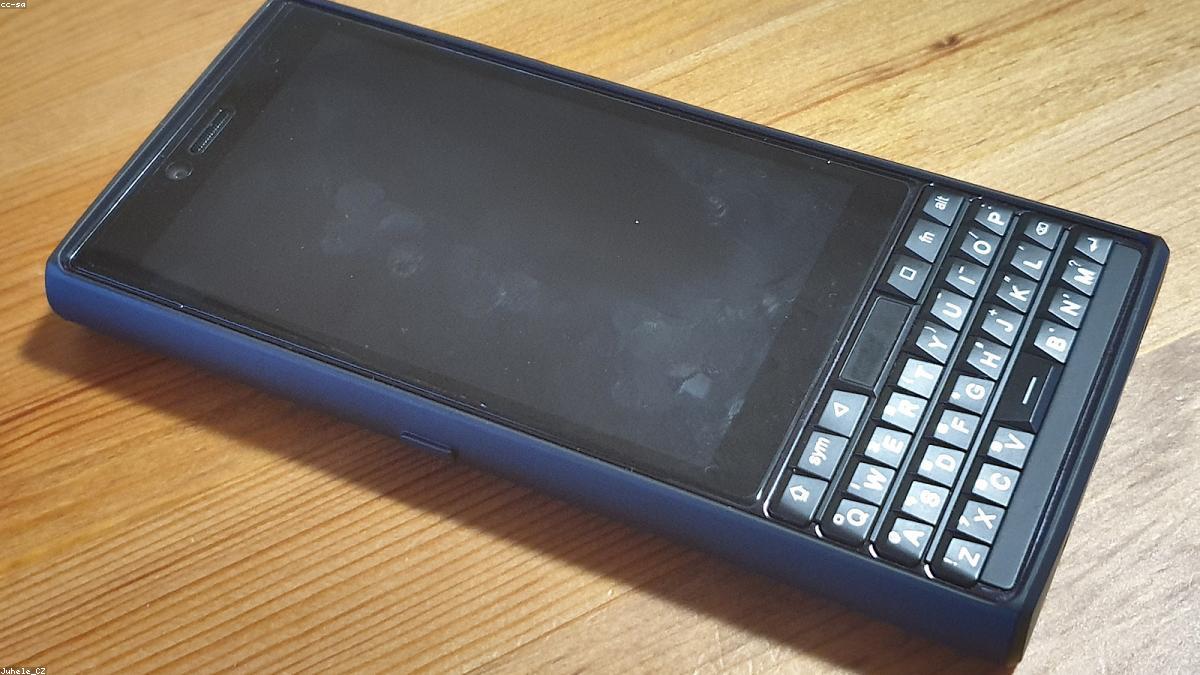
    A used phone for sale
    Test the screen, cameras, and battery before you pay.

    Seal the deal and set it up safely

    Once you’re happy, finish smart. Make sure the seller has fully reset the phone and removed their account before you pay, so it’s clean and ready for you. Confirm you can insert your SIM and it connects. Keep any receipt or message record in case of issues. Then set it up, update the software, and you’re good to go — a modern phone at a used price. Buying pre-owned this way gets you excellent value and keeps a perfectly good device out of a drawer.

    Frequently asked questions

    How do I check if a used phone is stolen?

    Ask the seller for the IMEI number and check it isn’t blacklisted (reported lost or stolen). A blacklisted phone can’t be activated, so this check is essential before buying.

    What’s the most important thing to check on a used phone?

    That it’s not carrier-locked or account-locked (activation lock), not blacklisted, and has healthy battery life. Also test the screen, cameras, buttons, and ports.

    Is it safe to buy a used phone online?

    Yes, with care — buy from reviewed or reputable sellers, inspect and test before paying, use secure payments or safe cash meetups, and avoid deals that seem too good to be true.

    Should the seller reset the phone before I buy it?

    Yes — confirm they’ve fully reset it and removed their account before you pay, so the phone is clean, unlocked from their profile, and ready for your SIM and setup.

    The takeaway

    Buying a used phone online is one of the best ways to save money on tech — if you do your checks. Verify it’s not locked or blacklisted, inspect the condition and battery, buy from a trustworthy seller with safe payment, and make sure it’s reset before you pay. Follow that and you’ll land a great phone for far less than new. Browse local listings to find one near you and pay safely on inspection.

  • The Complete Guide to Buying and Selling Online in 2026

    The Complete Guide to Buying and Selling Online in 2026

    Buying and selling online has become part of everyday life — it’s how millions of people find great deals, clear out clutter, and earn extra cash. Whether you’re hunting for a bargain or turning unused items into money, doing it well is a genuinely useful skill in 2026. This beginner’s guide covers everything you need to start buying and selling online confidently, safely, and successfully, whatever you’re trading.

    Why buying and selling online is so popular

    The appeal is simple: buyers get lower prices, huge selection, and the convenience of shopping from home; sellers reach far more people than a yard sale ever could and turn idle items into cash. It’s also better for the planet, keeping usable goods in circulation instead of landfills. Online marketplaces and directories connect people who have something with people who want it — often right in the same town. Once you learn the basics, you can save money as a buyer and make money as a seller with the same set of skills.

    Buying and selling online
    Marketplaces connect people who have something with people who want it.

    How to buy well

    Smart buying comes down to a few habits. Know the real price of what you want so you can spot a genuine deal. Inspect before you commit — ask for photos, test electronics, check condition. Buy from trustworthy sellers, checking reviews or ratings where available. And use safe payment methods, favoring secure platform payments or cash on safe collection over risky transfers. Being patient and a little skeptical protects you from overpaying and from the occasional bad actor, so you end up with real value and no regrets.

    How to sell well

    Selling successfully mirrors buying. Take clear, bright photos and write an honest, detailed description — the two things that build buyer trust fastest. Price competitively by checking what similar items sell for. Respond quickly to interested buyers, since the fastest reply often wins the sale. And handle the handover safely and politely. Whether you’re selling one item or many, these fundamentals get you sold faster and for a fairer price, and they earn the good reputation that makes future sales even easier.

    Shopping on a laptop
    Clear photos and honest descriptions build trust fastest.

    Staying safe on both sides

    Safety is the one thing that matters equally to buyers and sellers. Be wary of anything that feels off — prices too good to be true, pressure to act instantly, or requests for unusual payment methods. Keep conversations and payments on trusted platforms where possible, meet in safe public places for local exchanges, and never share sensitive personal or financial details you don’t need to. The vast majority of online trades go smoothly; a little caution keeps you on the right side of the rare ones that don’t.

    Frequently asked questions

    Is buying and selling online safe?

    Generally yes, with basic precautions: use trusted platforms and secure payments, inspect items, meet safely for local deals, and avoid anything that seems too good to be true or pressures you to rush.

    What’s the easiest thing to start selling online?

    Items you already own and no longer use — clothes, electronics, furniture, and household goods all sell well. Start with a few things to learn the process, then expand.

    How do I get the best deals as a buyer?

    Know the normal price so you recognize a real bargain, inspect before buying, choose reputable sellers, and be patient — prices and new listings appear constantly, so you rarely have to rush.

    What sells fastest online?

    Well-photographed, fairly priced items with honest descriptions — especially popular categories like electronics, furniture, and clothing. Clear listings and quick replies speed up any sale.

    The takeaway

    Buying and selling online is a skill anyone can master, and it pays off both ways — saving you money as a buyer and earning it as a seller. Learn to spot real value, present items honestly, price smartly, respond quickly, and stay safe, and you’ll trade with confidence. Start small, build your instincts, and a trusted local marketplace becomes one of the handiest tools in your everyday life.